 Nomily AI中文官网
Record with Vobot V05E, Apple Watch, or import existing audio on iPhone.
VOBOT V05E · BYOK VOICE WORKFLOW
Your recorder.
Your key.
Your AI.
Nomily AI brings Vobot V05E, Apple Watch, and imported recordings into one local library. Choose the ASR and AI providers that transcribe, summarize, and turn a recording into next steps.
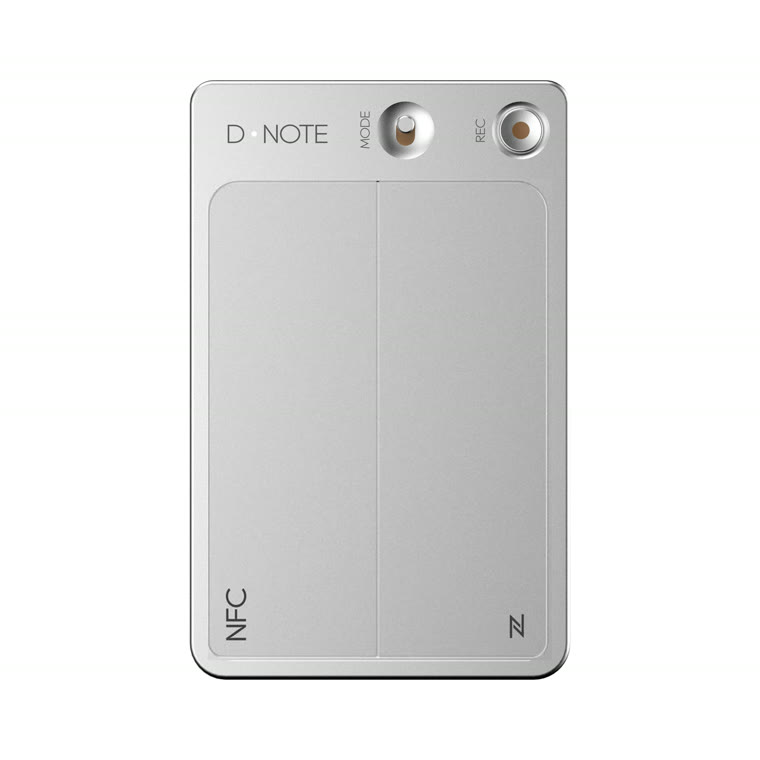 View Vobot V05E on Amazon
HOW IT WORKS
Record once. Choose what happens next.
Nomily is not a shared transcription account. Your selected provider receives a request only when you ask to transcribe or summarize.
Use the ASR and LLM providers, credentials, and local endpoints you choose.
Return to a searchable library with transcripts, summaries, and action items.
PRODUCT FACTS
What V05E and Nomily each do.
Captures recordings and transfers them to Nomily over Bluetooth. Hardware is made by Vobot.
An independent app that organizes recordings and works with transcription and AI providers you configure.
Nomily does not charge a subscription fee. Third-party ASR and LLM providers may charge under their own terms.
Nomily does not operate a shared recording backend. Provider requests follow the configuration you choose.
QUESTIONS, ANSWERED
Useful before you buy or install.
Is Nomily a hosted transcription subscription?
No. Nomily is BYOK: you configure the transcription and AI services used for your recordings.
Can I use V05E with Nomily?
V05E is the primary Bluetooth recorder workflow. Hardware and firmware behavior should be verified in your installed app version.
What else can enter the library?
Apple Watch recordings transferred to the paired iPhone and imported iPhone audio can be organized in Nomily.
Where can I learn the setup steps?
Read the Nomily setup guide or try the fixed-data interactive demo; the demo does not upload audio or request a key.